AI Video: From Script to Usable Storyboard
Prepare an AI video with a clear script and a useful storyboard: scenes, voice, continuity, examples, and checks before generation and editing.
Select the link, then copy it using your device menu or Ctrl/Cmd + C.
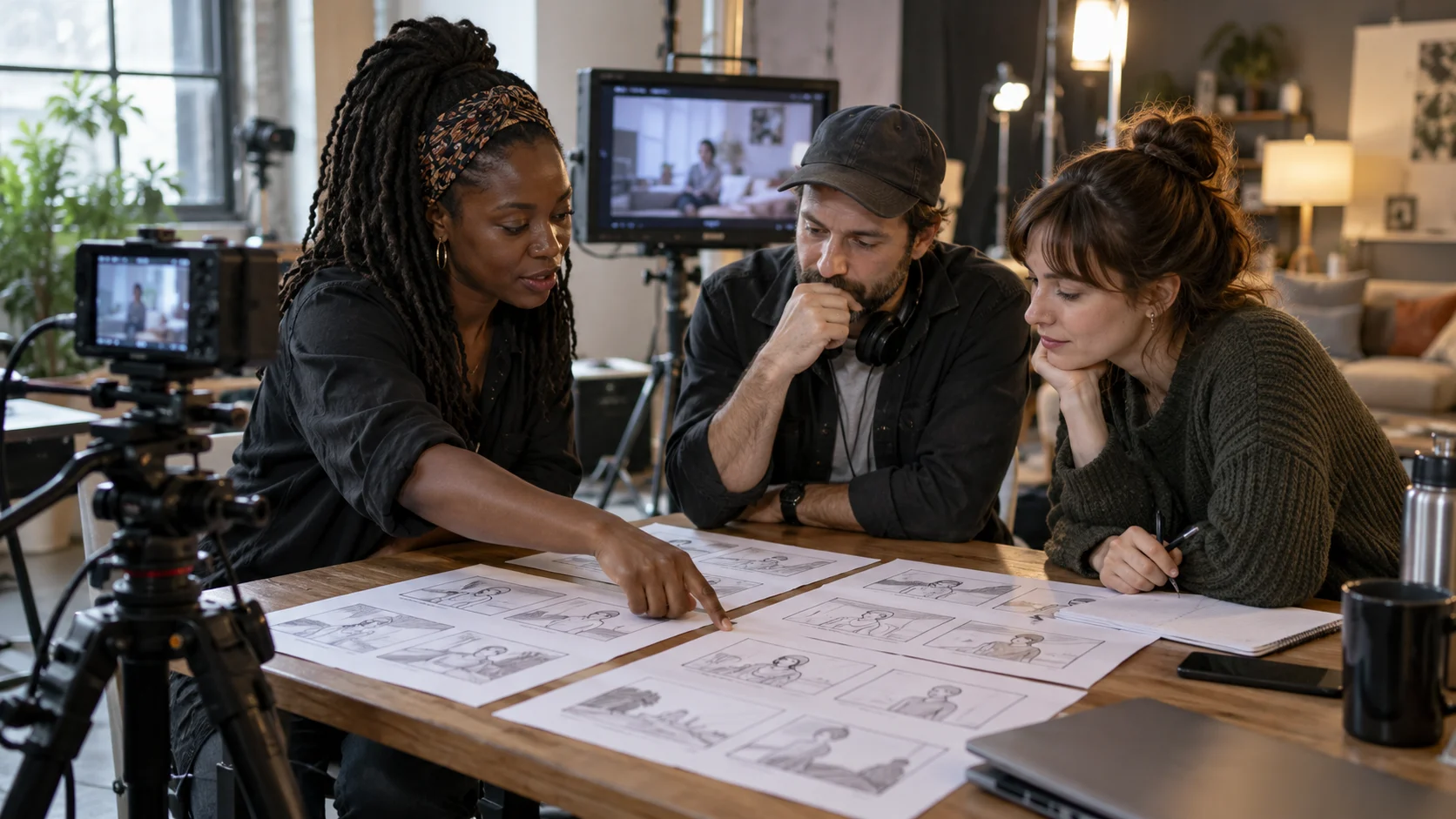
A video explaining how to prepare an order can start with an empty box, show the fitting, then present the finished package. The scenario is simple; its production becomes complicated if the container changes between shots or if the voice describes an invisible gesture. A storyboard serves precisely to make these decisions explicit before generation and editing.
To prepare a video with AI, separate three documents: the brief sets the message, the script indicates what is said, the storyboard describes what is seen. You can verify each proposal with appropriate criteria, then assemble a coherent whole.
Define a Promise the Video Can Keep
Write the sentence the viewer should be able to remember. For an order preparation tutorial: "Here are the three pieces of information to gather before choosing your packaging." This promise is precise enough to guide the scenes. "Discover everything you need to know about shipping" opens a project far too broad for a short sequence.
Add the audience, the distribution medium, the expected format, and the next action. Also specify the available material: real images, demonstration to film, product photos, recorded voice, or elements to generate. This list prevents building a scenario on shots that no one can properly produce.
A presentation video and a procedure do not have the same priority. The first must make an offer understood; the second must show an order of actions. Choose this role before writing, as it determines what you can remove without breaking the message.
Write a Script That Sounds Natural
Write as you would speak to a specific person. Replace sentences loaded with several ideas with steps. "First measure the container. Then note the protruding elements." is easier to stage than a long sentence mixing dimensions, protection, and storage.
Read the script aloud and time your reading. The actual duration depends on pace, pauses, and words used. Leave breaths to allow watching the image. If the voice must comment every second, simplify the message before speeding up the diction.
Keep the vocabulary approved by your brand editorial charter. On-screen expressions, voice, and presentation text must designate the same things. A useful technical word can be explained; a synonym added only to vary style can create confusion.
Turn Each Idea into an Observable Shot
Prepare a table with one row per shot. Useful columns are: order, objective, visual, action, voice, text to add in editing, and continuity point. Duration can remain provisional until reading the script and the first assembly.
Here is a fictional storyboard for a video of about 45 seconds. This duration serves to illustrate the breakdown, without constituting a broadcasting rule.
| Shot | What is Seen | What is Said | Check |
|---|---|---|---|
| Opening | Object placed next to an empty box | Before choosing the box, prepare three pieces of information. | Identifiable object and no misleading accessory |
| Measurement | Hand showing the object's dimensions | Note the dimensions and the parts that protrude. | Readable gesture and units verified in editing |
| Protection | Close-up on a fragile area | Identify the areas that require protection. | Same object and same orientation |
| Preparation | Notes gathered next to the object | Gather this information before comparing solutions. | Final invitation consistent with the associated guide |
A line containing two successive gestures may require two shots. A shot without an objective can be removed. The table makes these decisions visible before spending time producing images.
Prepare Generation Requests Scene by Scene
For each scene to generate, describe the subject, location, gesture, framing, and lighting. Add the series invariants: identical object, outfit, background, and orientation. Limit simultaneous movements to keep a result easy to examine.
From the provided script, prepare a storyboard with a maximum of six shots. For each shot, indicate a single visible action, the corresponding sentence, and the elements to keep identical. Distinguish shots to be actually filmed from ambiance shots that can be generated. Do not add any produced facts. Indicate scenes whose precision requires real shooting. End with a list of elements to produce before editing.
Texts, numbers, and captions can be prepared separately for editing. You can then reread and check their placement. An ambiance shot should not serve as a technical demonstration if gestures or objects are not faithful.
Check Continuity at the First Assembly
First watch the video without sound. Is the subject still identifiable? Do the actions flow? Does an object suddenly appear in the other hand? Then listen to the voice alone to verify the reasoning. Finish with a full reading to spot mismatches between words and images.
- Check facts and any displayed numbers.
- Compare objects, outfits, and sets between shots.
- Verify that each sentence occurs during the correct gesture.
- Reread subtitles and added texts.
- Test framing and readability on the final medium.
If the starting point is a written guide, use the method to turn an article into a short video to select a single idea. Prepare an approved version of the script and storyboard before expanding the series.
Prepare your script with CREZOVA writing templates, then use the storyboard to organize scenes and production tools available in your workspace.
FAQ: Moving from Text to a Feasible Video
Should all shots be generated with AI?
Choose the method according to the shot's role. A precise demonstration may require real shooting; ambiance can be generated. The storyboard must indicate this choice to avoid approximations when producing.
What if the script exceeds the planned duration?
Remove detours and secondary ideas, then reread aloud. Keep the information necessary for the initial promise. A second video can handle extensions without overloading the first.